


Renovation just completed, and the portable aircon is doing the hard work before the room feels properly lived in.
Quick answer: A Europace aircon remote is usually managed through the power, mode, temperature, fan speed, swing, timer, and sleep buttons, but the exact layout can change by model. Your Europace portable aircon manual should be the source of truth before you reset the remote, replace it, or assume a button is faulty.
In a Singapore home, the remote is not a small accessory. It controls how fast the room cools, how noisy the unit feels at night, and how much energy you use when the weather stays humid. This guide explains the common remote functions, what to check when the remote stops responding, and how to use the manual before buying a replacement.
How do I use my Europace aircon remote control?
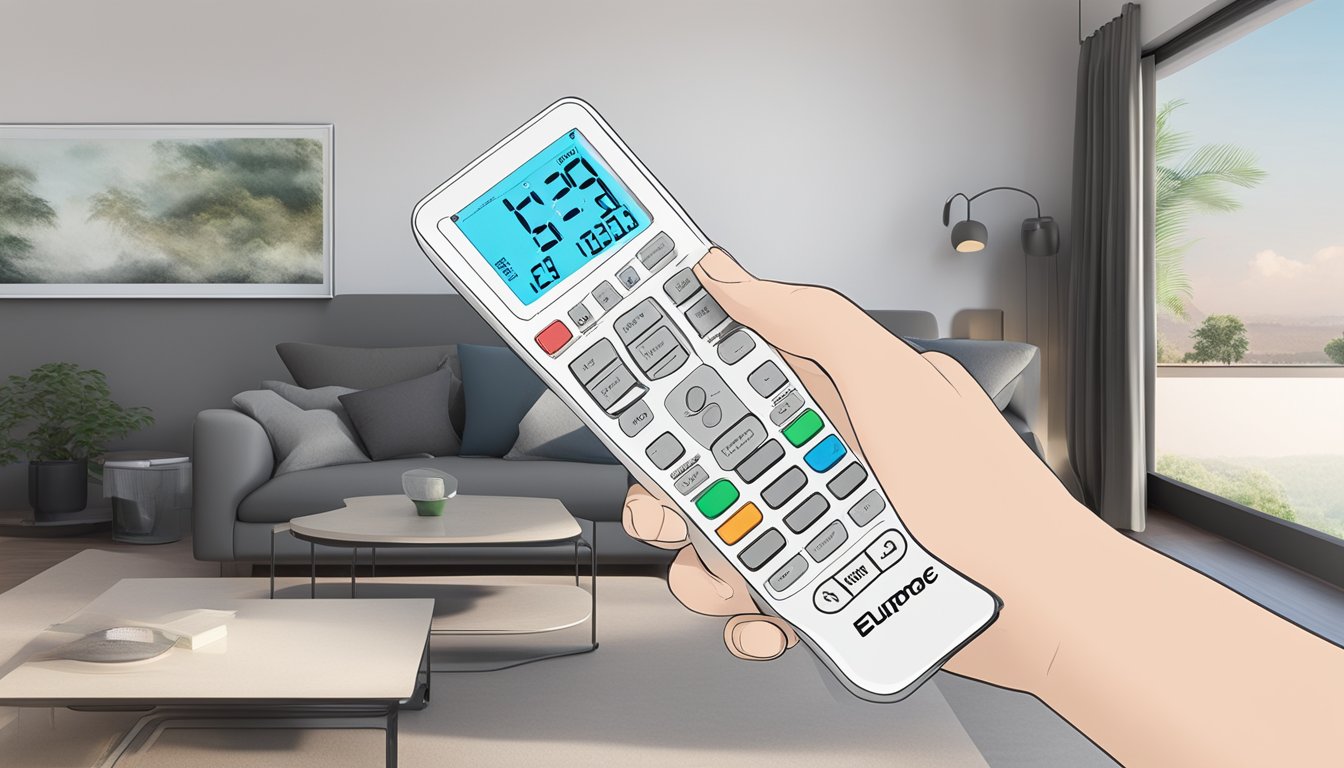
Start with the basics. Point the remote at the aircon receiver, press power, choose the correct mode, then adjust the temperature and fan speed. If the unit does not react, do not press every button at once. Check the batteries, the display, and the line of sight first.
| Remote button or setting | What it usually does | Best use in Singapore homes |
|---|---|---|
| Power | Turns the aircon on or off | Use it instead of switching the socket on and off repeatedly. |
| Mode | Changes between cooling, fan, dry, or auto settings | Use cool mode for heat, dry mode for sticky humidity, and fan mode for air movement. |
| Temperature | Raises or lowers the target room temperature | Set it lower for quick cooling, then adjust upward once the room feels comfortable. |
| Fan speed | Controls airflow strength | Use higher fan speed at first, then lower it at night to reduce noise. |
| Timer | Sets the unit to turn on or off after a selected time | Useful for bedrooms, home offices, and rooms that only need cooling for part of the day. |
| Sleep | Adjusts cooling for overnight comfort | Helpful if the room gets too cold after midnight. |
Where to Find Your Europace Portable Aircon Manual
The Europace portable aircon manual matters because not every Europace model uses the same remote layout. Some buttons may be labelled differently, and some modes may work only on selected units. If your remote has icons instead of full words, the manual helps you match each symbol to the correct setting.
The most practical move is simple: match the model number on the aircon body with the model number stated in the manual. If the remote is missing, take a clear photo of the unit label before shopping for a replacement. A remote that looks similar may still fail if it does not match the receiver or model series.
For most Singapore users, the manual is more useful than guessing from symbols. Guessing can leave the unit stuck in fan mode when you wanted cooling, or in dry mode when you expected stronger airflow. The best remote setting is the one that matches the room problem, not the one with the most dramatic icon.
Understanding Modes, Timer, and Fan Speed
Cool mode
Cool mode lowers the room temperature. Use it when the room feels warm and still, especially in bedrooms, study rooms, and enclosed living areas. For faster cooling, start with a stronger fan speed, then reduce the fan once the room settles.
Dry mode
Dry mode helps reduce the damp, sticky feeling that is common in Singapore. It is useful on humid days when the room is not extremely hot but still feels uncomfortable. Dry mode is not a full replacement for cooling on very hot afternoons.
Fan mode
Fan mode moves air without active cooling. Use it when the room already feels cool enough or when you only need airflow. It will not lower the temperature the same way cool mode does.
Timer mode
The timer helps you avoid running the aircon longer than needed. Set it before bedtime, during naps, or when cooling a room before guests arrive. If the timer behaves strangely, check the manual because some remotes use separate timer-on and timer-off settings.
Why Your Europace Aircon Remote Is Not Responding
If the remote stops working, start with the simple checks before assuming the unit needs repair. Remote issues are often caused by weak batteries, blocked line of sight, wrong mode settings, or a mismatch between the remote and the aircon model.
- Replace the batteries with fresh ones and make sure the polarity is correct.
- Point the remote directly at the receiver on the aircon unit.
- Remove anything blocking the signal path between the remote and the unit.
- Check if the remote display lights up clearly.
- Remove the batteries for a short reset, then reinstall them.
- Compare the remote buttons with the Europace portable aircon manual.
- Check the aircon unit itself to confirm it has power.
One honest trade-off: a universal remote can be useful in a pinch, but it is not always the best long-term choice. If you rely on timer, sleep, swing, or dry mode often, a proper compatible replacement is safer than a remote that only handles basic power and temperature controls.
Buying or Replacing a Europace Aircon Remote
Before buying a replacement remote, confirm three things: the model number, the remote layout, and the functions you need. A bedroom unit used every night needs reliable timer and sleep settings. A living room unit may need stronger fan and swing controls. A spare-room unit may only need basic cooling.
Megafurniture.sg carries furniture, mattresses and bedding, ceiling fans, kitchen and home appliances, smart-home devices, and built-in carpentry, including appliance brands such as Europace. For aircon-related purchases, the safer route is to check the product listing, model details, and support information before ordering.
Local support matters more than most people think with appliances. If a remote arrives and does not match your unit, you want a Singapore-based team you can contact, not a mystery seller with no proper support path. Every order ships locally, and after-sales support is handled from Singapore. Complimentary delivery and professional installation are available on qualifying orders. The team is reachable at +65 6950-2657, Monday to Friday, 9am to 6pm.
Frequently Asked Questions
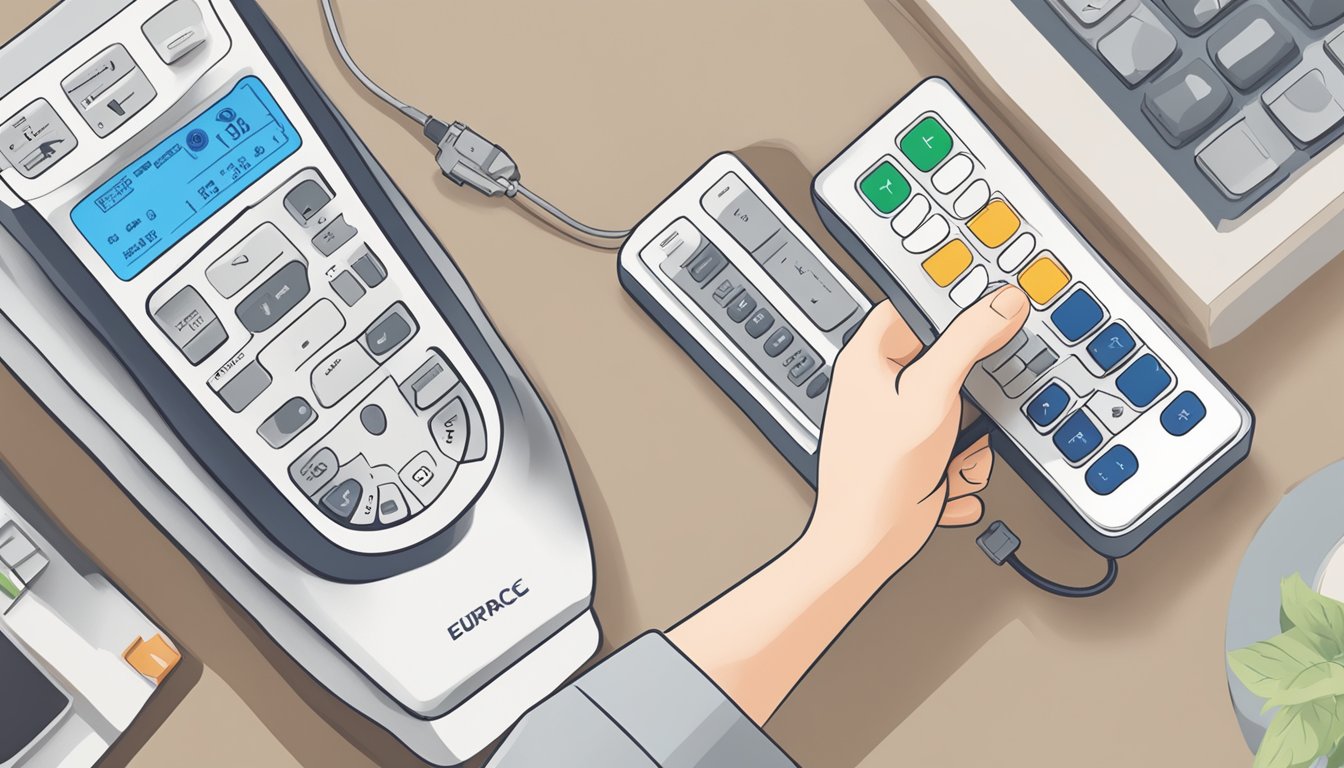
How can I understand the symbols on my Europace aircon remote?
Use the Europace portable aircon manual that matches your model number. Common symbols usually refer to cool, dry, fan, swing, sleep, and timer modes, but the exact meaning can vary by model. If the icon is unclear, do not guess from appearance alone.
What should I do first if my Europace aircon remote does not work?
Replace the batteries first, then check the line of sight between the remote and the aircon receiver. If the display works but the aircon does not respond, confirm that the unit has power and that the remote matches the correct Europace model.
Can I use a universal remote for a Europace aircon?
A universal remote may work for basic controls, but it may not support every function. If you use timer, sleep, dry mode, or swing often, check compatibility carefully before relying on a universal remote.
Why does my aircon turn off by itself after I use the remote?
The timer may be active, or the unit may be following a sleep or auto setting. Check the timer icon on the remote display and compare it with the manual. If the setting keeps returning, reset the remote and review the model instructions.
Should I keep the Europace portable aircon manual after setup?
Yes. Keep the manual because it helps with remote symbols, filter care, troubleshooting, and replacement checks. It is especially useful when the remote is lost, the display becomes confusing, or another person in the home changes the settings.