


A pc table is one of the most important pieces in a home office, study room, or work from home setup. It needs to support your computer, monitor, keyboard, mouse, documents, cables, and daily work routine without making the room feel cramped.
For Singapore homes, the right PC table should fit your available space, give you enough surface area, support a comfortable working posture, and keep your setup organised. This guide covers desk size, layout, storage, cable management, chair pairing, and practical buying tips.
Quick answer: A good pc table should be wide enough for your monitor, keyboard, mouse, and work items, deep enough for comfortable screen distance, and stable enough for daily computer use. For many home office setups, a desk around 120 cm wide and 60 cm deep can be a useful starting point, but larger monitors, dual screens, printers, or gaming setups may need a wider or deeper table. Always measure your room, chair clearance, cable path, and storage needs before buying.
What makes a good PC table?
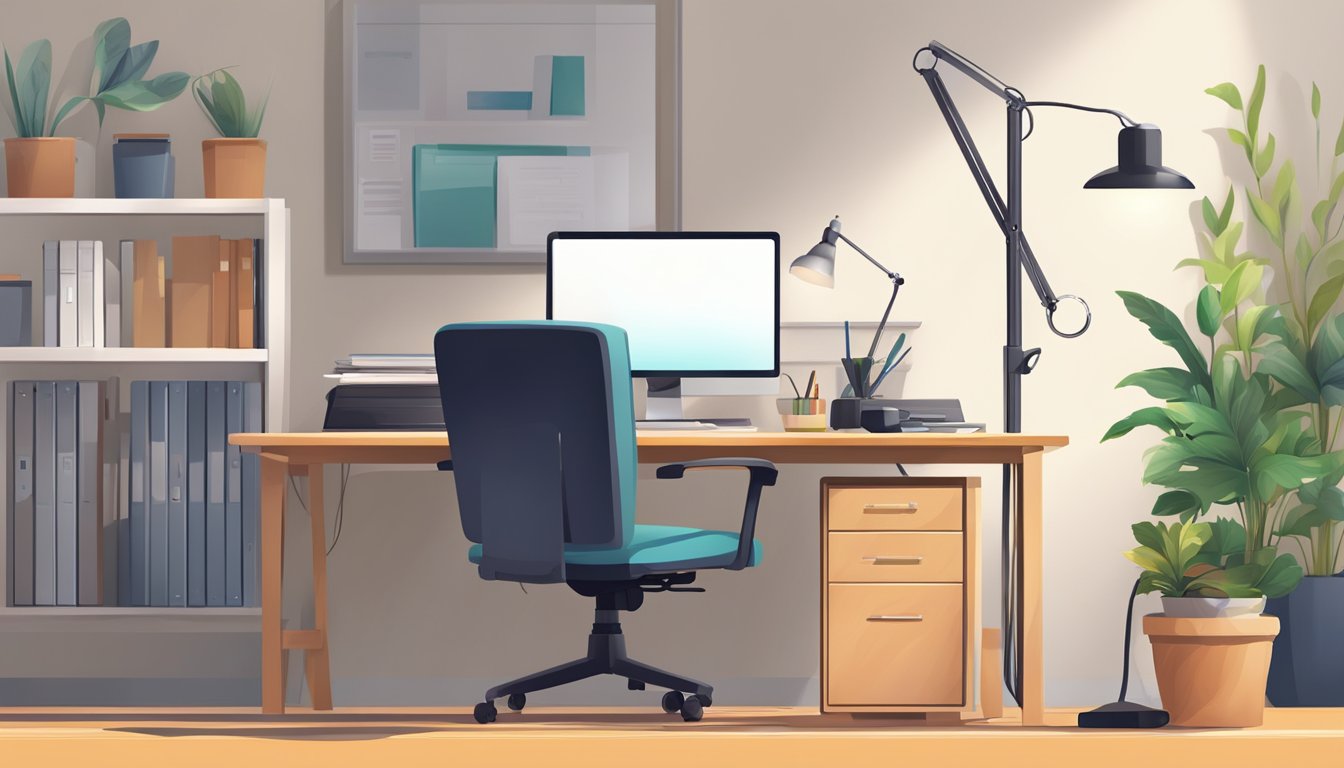
A good PC table should make your workspace easier to use. It should give your equipment enough room, keep cables manageable, and leave space for your chair and legs.
The best choice depends on what you use your computer for. A simple laptop setup may only need a compact study table, while a desktop computer, dual monitor setup, printer, speakers, and storage drawers may need a larger workstation.
Browse study and computer tables to compare sizes, styles, storage options, and desk shapes before deciding.
PC table size guide
Desk size is one of the first things to check. A table that is too small can feel cluttered, while one that is too large can overwhelm a compact HDB or condo room.
| Setup type | General size guide | Best for |
|---|---|---|
| Laptop setup | About 90 to 120 cm wide | Small rooms, study corners, and light work |
| Desktop PC setup | About 120 cm wide and 60 cm deep or larger | Monitor, keyboard, mouse, and daily work items |
| Dual monitor setup | About 140 to 160 cm wide or larger | Workstations, design work, trading screens, or gaming |
| L-shaped desk setup | Depends on both sides of the L layout | More surface area, corner rooms, and multitasking |
These are general guides only. Always check the actual product width, depth, height, leg space, and shelf placement before buying.
Design and ergonomics
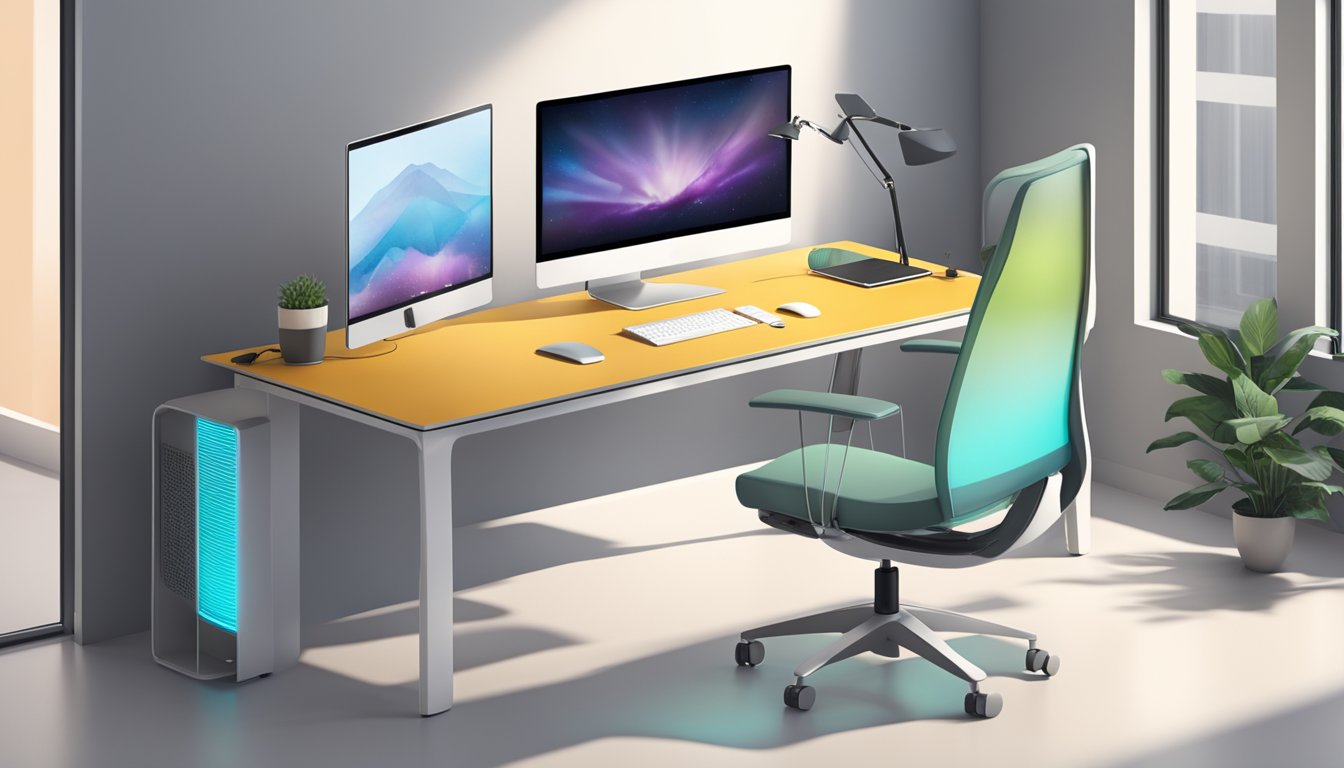
Ergonomics means setting up your table, chair, monitor, and keyboard so you can work more comfortably. A PC table does not need to be complicated, but it should help you keep a natural sitting position.
Desk height
Many standard desks are around 70 to 75 cm high, but comfort depends on your height, chair height, and keyboard position. Your shoulders should feel relaxed when typing, and your chair should fit under the table easily.
Monitor position
Keep enough desk depth so your monitor is not too close to your face. If you use a monitor arm or laptop stand, check that the table is stable enough and that the edge can support the mount if required.
Legroom
Check the space under the table. Drawers, shelves, crossbars, or CPU compartments can reduce legroom if they are placed too low or too close to the chair.
Chair pairing
A PC table works best with a supportive chair that fits the desk height. Compare office chairs together with your table so the seat height, armrests, and desk clearance work properly.
Types of PC tables to consider
Different desk shapes suit different rooms and work habits. Before buying, think about whether your setup is mainly for laptop work, desktop PC use, studying, gaming, paperwork, or video calls.
| PC table type | Best for | What to check |
|---|---|---|
| Compact study table | Small bedrooms, study corners, and laptop work | Surface width, legroom, and storage needs |
| Standard computer table | Desktop computer, monitor, keyboard, and daily work | Desk depth, cable path, and monitor space |
| L-shaped desk | Corner setups, multitasking, and larger workstations | Left or right orientation, room corners, and walkway space |
| Standing desk | Users who want sit-stand flexibility | Height range, stability, motor or manual adjustment, and cable slack |
| Storage study table | Paperwork, books, accessories, and office supplies | Drawer placement, shelf height, and leg clearance |
Space-saving PC table ideas
In a compact Singapore home, the best PC table is often the one that uses space efficiently without making the room feel blocked.
Use a corner layout
A corner desk or L-shaped desk can make use of unused corners and create more surface area. This works well if you need space for a monitor on one side and writing or paperwork on the other.
Choose a slim study table
A slim study table can fit into bedrooms, study nooks, and smaller home office setups. Choose one with enough depth for your monitor and enough legroom for your chair.
Go vertical with shelves
If floor space is limited, use wall shelves, drawer units, or desktop organisers to keep items off the main work surface.
Consider a standing desk
A standing desk can be useful if you want a table that supports both sitting and standing work positions. Check the height range, stability, tabletop size, and cable slack before buying.
Functionality and storage options
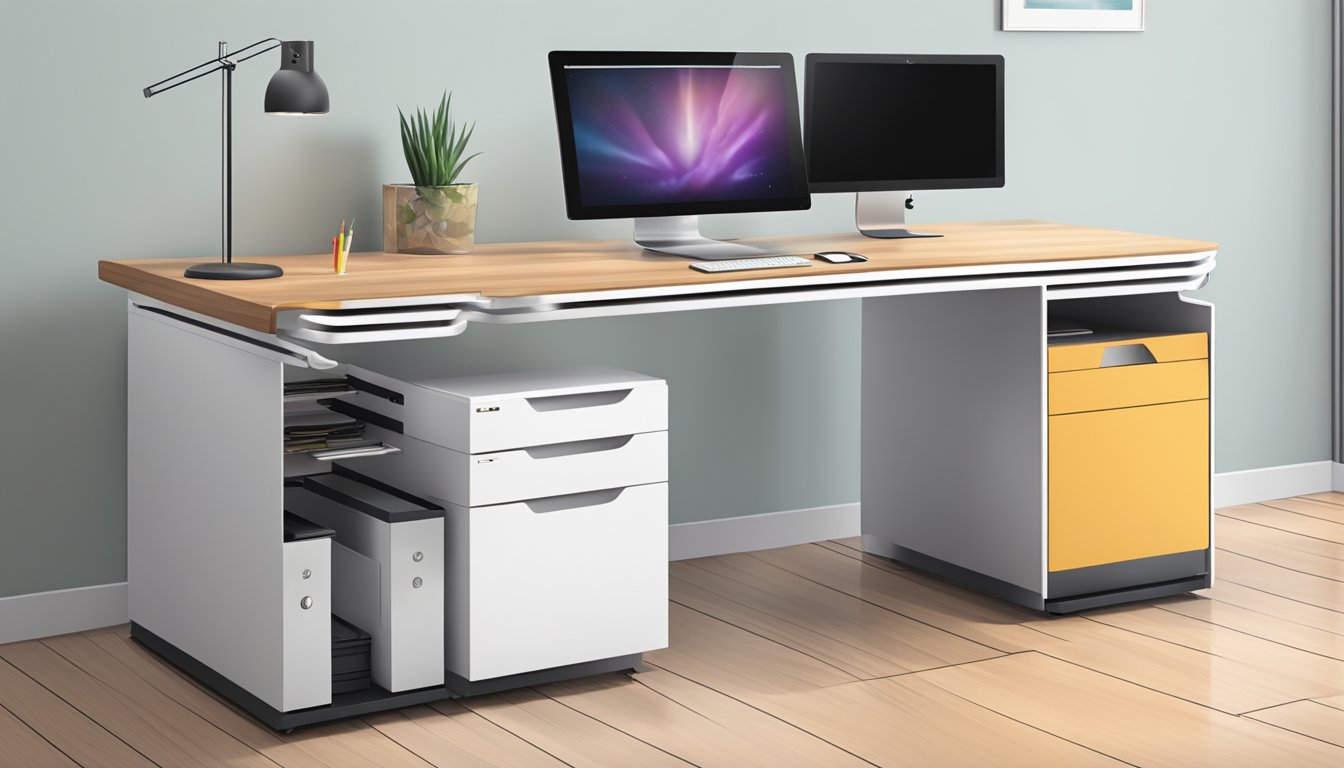
A PC table should help keep the workspace organised. Storage is especially important if the table is used for work, study, gaming, and paperwork at the same time.
Drawers and cabinets
Drawers help store stationery, chargers, notebooks, and small office items. If you need flexible storage, a pedestal can sit beside or under the desk, depending on the layout.
Open shelves
Open shelves are useful for books, files, printers, or decor. However, keep shelves organised so the workspace does not feel visually cluttered.
Storage study tables
Storage study tables are useful if you want the desk and storage to be built into one piece. Check whether the storage placement affects legroom or chair movement.
Cable management
A clean cable setup makes the PC table easier to use and clean. Look for cable holes, rear openings, cable trays, or enough space behind the table for extension plugs and monitor wires.
How to plan a PC table layout
Before buying, map out where the table will sit and how the rest of the room will function.
- Place the table near a power point where possible.
- Keep the table away from strong glare on the monitor.
- Leave enough space for the chair to pull out comfortably.
- Check whether drawers or cabinet doors can open fully.
- Plan where the CPU, printer, router, and extension plug will go.
- Avoid blocking windows, wardrobe doors, or the main walkway.
- Measure lift, corridor, and doorway access if the table is large.
Material and build quality
PC tables come in different materials and finishes. Choose based on how heavily you use the table, what equipment it needs to hold, and how easy you want it to be to maintain.
| Material or finish | Best for | Care note |
|---|---|---|
| Wood or wood-look finish | Warm home office and study room styling | Use coasters and wipe spills quickly. |
| Metal frame | Stable modern workstations | Check frame stability and avoid overloading. |
| Glass top | Light visual look and modern rooms | Needs regular wiping and careful handling. |
| Laminate or engineered board | Practical everyday use | Keep dry and avoid dragging heavy items across the surface. |
PC table buying checklist
Before ordering, check these details carefully:
- Overall width, depth, and height
- Monitor, keyboard, and mouse space
- Legroom and chair clearance
- Weight capacity for monitor, CPU, printer, and accessories
- Storage placement and drawer opening direction
- Cable management options
- Power point location
- Room walkway and door clearance
- Delivery access through lift, corridor, and doorway
- Assembly, warranty, and care instructions
How to care for your PC table
Simple care habits can keep your PC table looking cleaner and working better for longer.
- Wipe the surface regularly with a soft cloth.
- Use coasters for drinks to prevent marks.
- Keep cables tied neatly and away from chair wheels.
- Avoid overloading shelves or drawers.
- Clean dust around monitors, keyboards, and cable areas.
- Check screws, legs, and frame parts from time to time.
- Follow the product care instructions for the table material.
Final thoughts
A PC table should support the way you work, study, or use your computer every day. The right choice depends on your room size, monitor setup, storage needs, chair clearance, cable management, and preferred design.
Before buying, measure the space carefully and think through your full setup, not just the table surface. A practical PC table should help your workspace feel more organised, comfortable, and easy to maintain.
PC Table FAQs
What size PC table do I need?
For many desktop computer setups, a PC table around 120 cm wide and 60 cm deep can be a useful starting point. If you use a larger monitor, dual monitors, speakers, printer, or gaming accessories, choose a wider or deeper table.
Is a study table the same as a PC table?
A study table is usually used for writing, reading, and laptop work, while a PC table is planned around a computer setup. Many study tables can work as PC tables if they have enough width, depth, legroom, and cable space.
What should I look for in a PC table?
Check width, depth, height, legroom, monitor space, cable management, storage, chair clearance, material, and delivery access. Also make sure the table suits your room layout and daily work habits.
Is a standing desk good for a PC setup?
A standing desk can work well for a PC setup if it has enough tabletop space, stable height adjustment, suitable monitor placement, and enough cable slack for moving between sitting and standing positions.
How do I keep my PC table organised?
Use cable ties, drawer organisers, monitor stands, document trays, and a pedestal or storage study table if needed. Keep only daily essentials on the tabletop and move less-used items into storage.
What chair should I pair with a PC table?
Choose an office chair that fits under the table and allows a comfortable sitting position. Check seat height, back support, armrest clearance, and whether the chair can move easily around the desk.
Where should I place a PC table at home?
Place it near a power point, away from strong screen glare, and somewhere with enough space for the chair to pull out. Avoid blocking wardrobes, doors, windows, or main walkways.
When it comes to choosing the right office PC table, you'll want to consider a few key factors. First, you'll want to think about the design and ergonomics of the table. Look for a table that is adjustable, with a comfortable height and a supportive chair that allows you to sit with your feet flat on the floor and your arms at a comfortable angle. You'll also want to consider the functionality and storage options of the table, including features like cable management, built-in drawers, and shelves.
At Megafurniture.sg, we offer a wide range of high-quality office PC tables that are designed to help you work more efficiently and comfortably. Our tables are available in a variety of designs and styles, from sleek and modern to classic and traditional, so you can find the perfect table to suit your needs and preferences. Plus, with our competitive prices and fast, reliable shipping, it's easy to get the office PC table you need to create a comfortable and productive workspace.
Key Takeaways
- A well-designed and ergonomic office PC table can help you work more efficiently and comfortably, reducing the risk of developing health problems associated with prolonged sitting.
- When choosing an office PC table, consider factors like design and ergonomics, functionality, and storage options.
- Megafurniture.sg offers a wide range of high-quality office PC tables at competitive prices, with fast, reliable shipping.
Design and Ergonomics
When it comes to designing your office space, choosing the right PC table is crucial. Not only do you want a table that is stylish, but it also needs to be ergonomically designed to ensure that you are comfortable while working. At Megafurniture.sg, we offer a wide range of high-quality furniture that is both stylish and functional.
Space-Saving Corner Desks
If you're short on space, a corner desk can be the perfect solution. Our range of corner desks is designed to fit snugly into any corner, making the most of your available space. These desks are available in a range of styles and sizes, so you're sure to find one that suits your needs.
Elegant Executive Desks
If you're looking for something a little more elegant, our range of executive desks is perfect. These desks are designed to make a statement in your office, with their stylish and sophisticated designs. They are also ergonomically designed to ensure that you are comfortable while working.
Innovative L-Shaped Solutions
For those who need a little more space, our range of L-shaped desks is the perfect solution. These desks provide ample space for your PC, as well as any other equipment you may need. They are also ergonomically designed to ensure that you are comfortable while working.
At Megafurniture.sg, we understand the importance of durability when it comes to office furniture. That's why all of our PC tables are made from high-quality materials, ensuring that they will last for years to come.
So, whether you're looking for a space-saving corner desk, an elegant executive desk, or an innovative L-shaped solution, Megafurniture.sg has everything you need to create the perfect office space.
Functionality and Storage Options
When it comes to choosing an office PC table, functionality and storage options are two of the most important aspects to consider. A good office PC table should not only be functional but also offer ample storage space to keep your workspace organised and efficient.
Integrated Storage Solutions
At Megafurniture.sg, we offer a range of office PC tables that come with integrated storage solutions. These tables are designed to provide you with enough storage space to keep your workspace organised and clutter-free. Our tables feature shelves, drawers and cabinets that are perfect for storing files, paperwork, and other office supplies.
Our office PC tables are made of high-quality materials, making them durable and long-lasting. The materials used in our tables are chosen for their strength, durability, and resistance to wear and tear. This means that you can be sure that your office PC table will last for many years to come, making it a cost-effective investment for your business.
Height Adjustable Desks for Comfort
Another important aspect to consider when choosing an office PC table is comfort. A comfortable workspace is essential for productivity and efficiency. That's why we offer height-adjustable desks that can be customised to suit your needs. Our height-adjustable desks are designed to provide you with a comfortable working position, helping to reduce strain on your back, neck, and shoulders.
Our office PC tables are designed to be both functional and comfortable. They are made of high-quality materials and are designed to provide you with ample storage space and a comfortable working position. Whether you are looking for a simple desk or a more elaborate workstation, we have the perfect office PC table for you at Megafurniture.sg.
Frequently Asked Questions
What's the ideal size for a desk to accommodate a PC?
The ideal size for a desk to accommodate a PC depends on the size of your computer as well as the available space in your office. A desk that is at least 120 cm wide and 60 cm deep should be sufficient for most desktop computers. However, if you have a larger monitor or multiple screens, you may need a wider desk. It's also important to consider the height of the desk to ensure that you can sit comfortably and maintain good posture while using your computer.
How can I select the perfect office table for my workspace?
To select the perfect office table for your workspace, you should consider the size of your office, your personal style, and your budget. Look for a table that is the right size for your space and has enough surface area to accommodate your computer, paperwork, and other office supplies. Consider the style of the table and choose one that complements the décor of your office. Finally, set a budget and look for a table that meets your needs without breaking the bank.
What distinguishes an office desk from an office table?
An office desk is typically a larger piece of furniture that includes drawers, shelves, and other storage options. An office table, on the other hand, is a simpler piece of furniture that is designed primarily for working on a computer or doing paperwork. While some office tables may include storage options, they are generally more streamlined and minimalist than office desks.
Where can I find stylish yet functional office desks in Singapore?
If you're looking for stylish yet functional office desks in Singapore, Megafurniture.sg is an excellent place to start. We offer a wide range of office desks in various styles and sizes, including traditional wooden desks, modern glass desks, and minimalist metal desks. Whether you're looking for a large executive desk or a small writing desk, you're sure to find the perfect option at Megafurniture.sg.
What are some top considerations when purchasing a study table?
When purchasing a study table, it's important to consider the size of your space, your personal style, and your budget. Look for a table that is the right size for your room and has enough surface area to accommodate your books, laptop, and other study materials. Consider the style of the table and choose one that complements the décor of your room. Finally, set a budget and look for a table that meets your needs without breaking the bank.